Compliance, reports and metrics
Video guide: Interpret compliance and reports as evidence
Recorded October 22, 2026 in the fictional Summit Managed IT staging workspace, App 0.432.1. The deployed demo can differ from the current product; use the written guide for current behavior. No generated/exported report, framework certification or live metrics acceptance.
Full narration captions are included in the video. Open video full screen · Download subtitles · Download transcript
Video transcript
Open Clients, Compliance. A score summarizes the evidence and checks available to that workspace; it is not a security certification. Missing, stale or partial endpoint data needs explicit treatment rather than being assumed healthy.
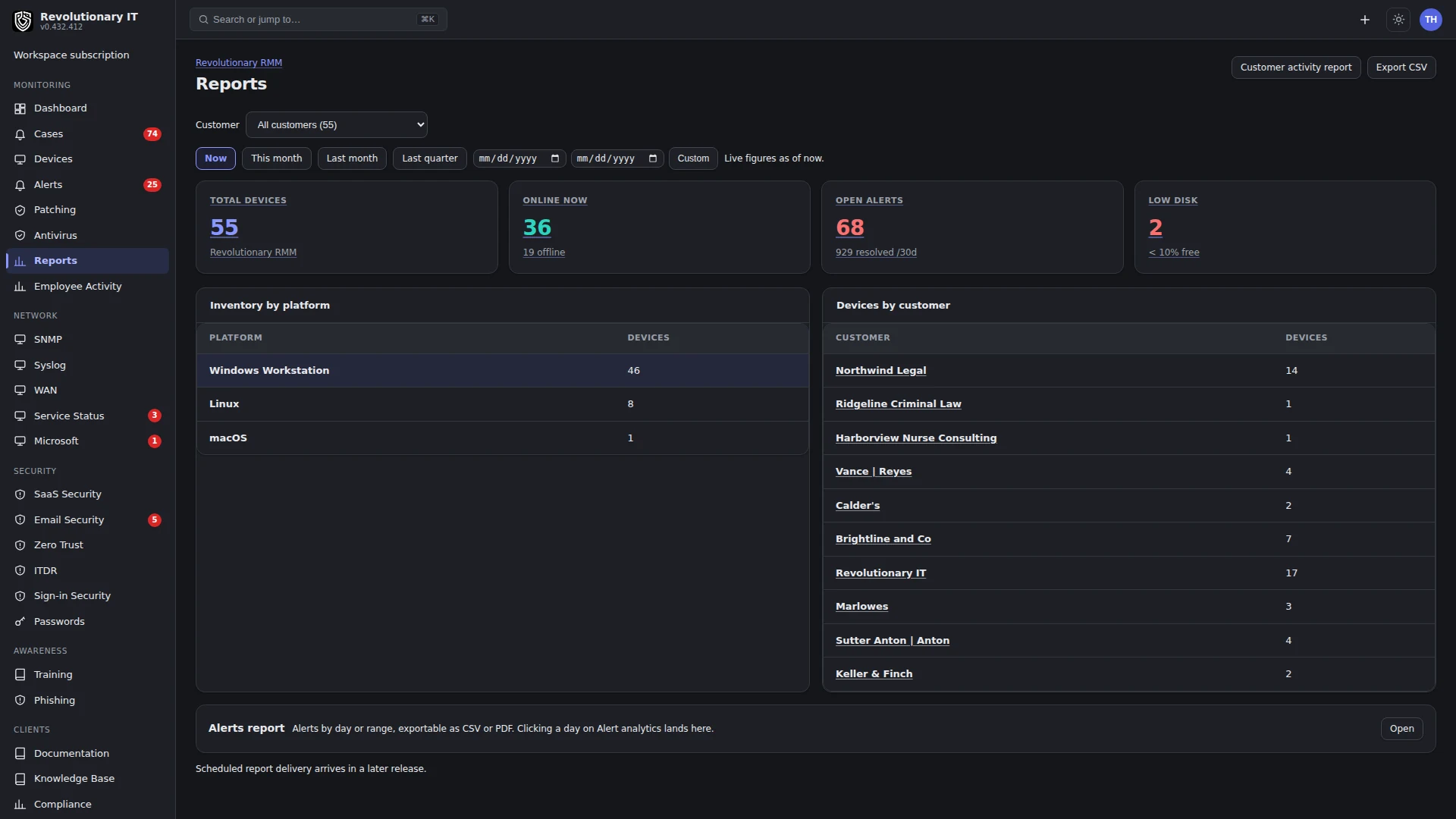
Open Reports to locate the customer and date-range workflow. Check the time zone, included devices and requested evidence. A report can only summarize what was collected; it cannot establish actions or coverage that were never measured.
Use the written guide to choose the report and verify its inputs. Compare a sample row with the original device or activity record, check the customer boundary and investigate missing data. Keep the dated result and limitations with any compliance decision.
Compliance (Clients > Compliance and portal Compliance)
What it does: a per-customer readout of the technical controls of PCI DSS v4.0, the HIPAA Security Rule, CIS Controls v8 and NIST CSF 2.0, computed from data the platform already collects. It is a monitoring readout, not a certification, and says so on every page and export.
How it works: about twenty automated checks (antivirus deployed, current, no threats; critical and important patches; supported operating systems; disk encryption; no plaintext credential files; inventory currency; MFA on portal accounts; local admin rotation; device access per user; log collection; identity monitoring and open findings; alerts worked; audit trail) plus manual attestations (backup, transmission security, policies and training, physical safeguards) are evaluated once and mapped onto each framework's sections. Score counts pass as 1, warn as 0.5, fail as 0 over automated checks only. Affected hostnames are listed per failing check.
Operating system lifecycle: the report counts devices on a supported operating system, ending within 90 days, past vendor end of support, and unknown, with the date of the vendor data. The operating system check warns before a support date arrives and fails Windows 11 feature releases past their published end-of-support date. IoT and LTSC editions, and devices that report no feature release, are not judged.
Steps: pick the organization and framework; export CSV or PDF. Portal users see their own organization's report (all client roles can export).
Reports (Monitoring > Reports)
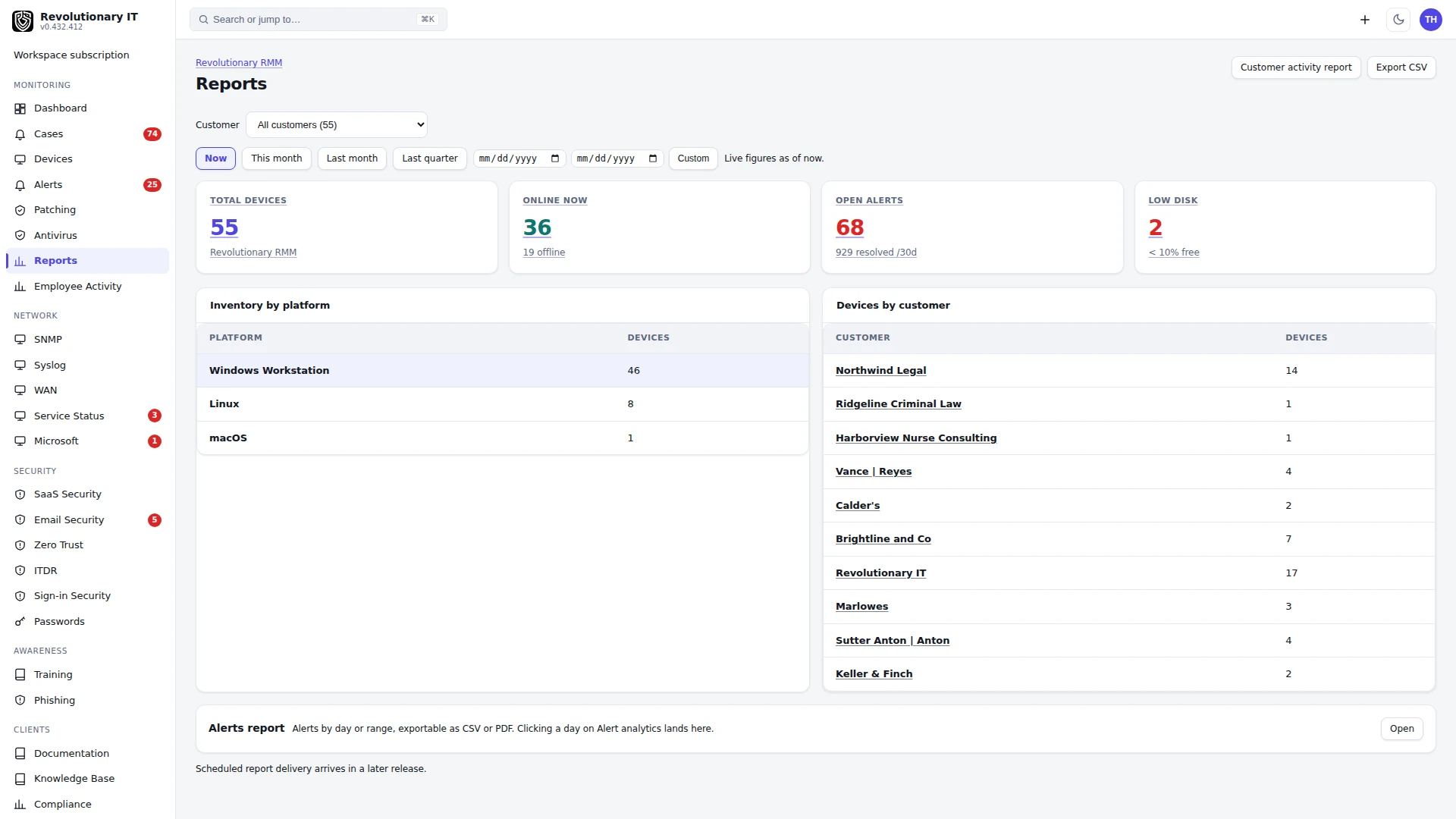
Fleet KPIs (total devices, open alerts, low disk, patch compliance, open tickets), inventory by platform and by customer, over a window (now, this month, last month, last quarter, custom), with CSV export. The Customer activity report groups everything done for a customer by case, ticket (with time) and device action with timestamps and technician; it is available per customer as PDF, included with invoice email where that workflow and its mail connection are configured, and shown to customers on the portal's Activity tab. Report snapshots are taken nightly so month views are stable.
Metrics (Administration > Metrics)
The billable-activity meter: one stream derived from tickets opened, remote sessions, patch deployments, antivirus commands and time entries, as clickable KPI cards, per-day stacked bars, 7 to 90 day windows, organization filter, free-text search, deep links and CSV export. No separate table; it is computed from the records above.
Verification
- Inspect the individual checks and their affected devices. Encryption or patching alone cannot establish compliance: other checks and manual evidence may still be missing. A filename scan is only a filename-based signal, not proof of file contents or a complete secrets audit.
- Reports show the same device count as Monitoring > Devices.