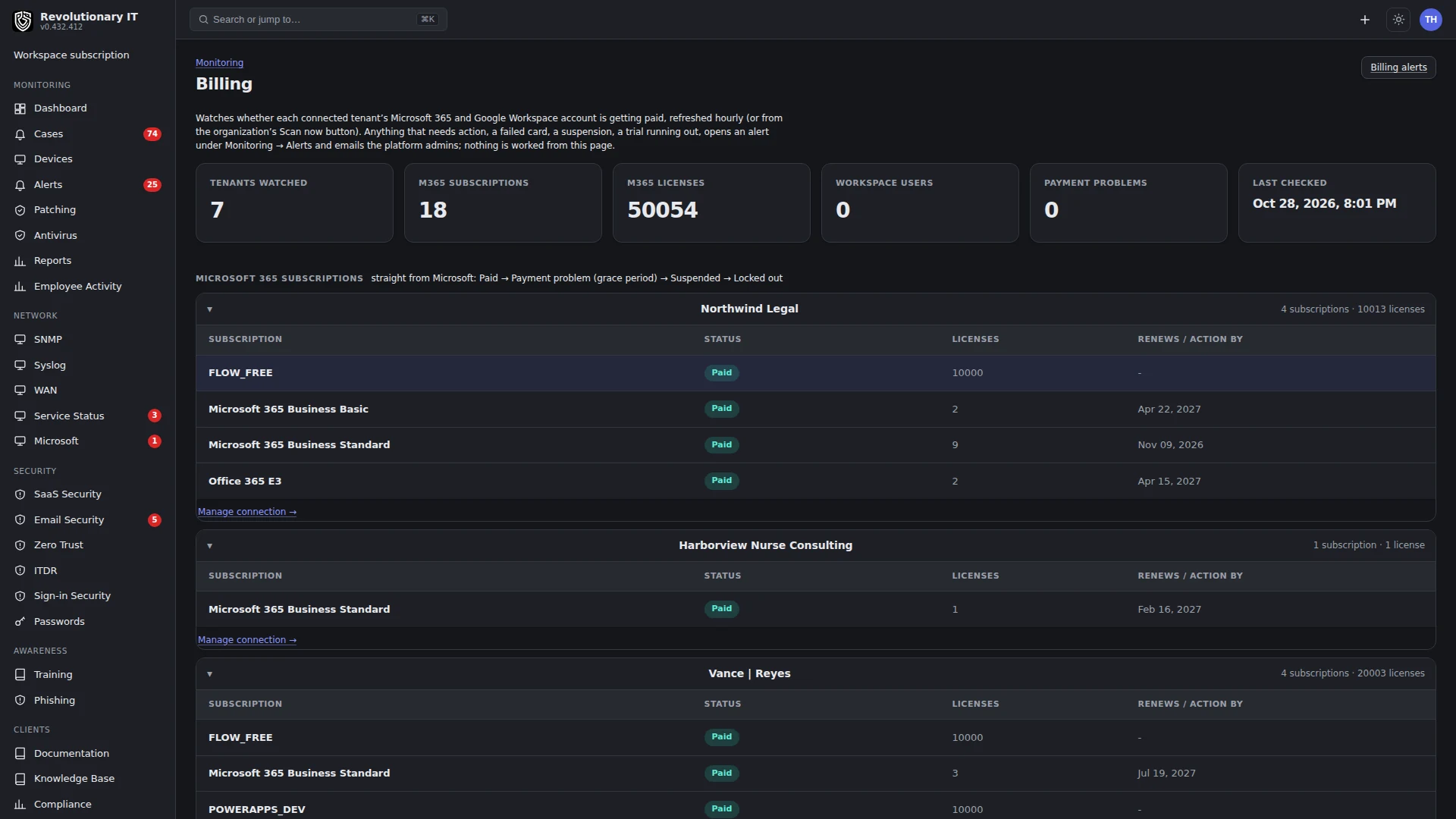
Billing
Video guide: Find customer billing review and invoice states
Recorded October 22, 2026 in the fictional Summit Managed IT staging workspace, App 0.432.1. The deployed demo can differ from the current product; use the written guide for current behavior. No financial calculation acceptance, processor call, invoice creation, send or payment.
Full narration captions are included in the video. Open video full screen · Download subtitles · Download transcript
Video transcript
Open Administration, Billing, Review. Customer invoicing is separate from the platform workspace subscription. Inspect the period, customer, tracked work and pricing inputs before approving a bill. This recording performs no synchronization, financial write or message send.
Open Invoices to inspect lifecycle states. Draft, sent and paid are different outcomes. Processor adapters differ, so do not infer that a created draft was sent, a payment was taken or a tax calculation is correct.
Use the billing guide to check the selected processor, amounts, tax settings and review sequence. For authorized testing use the appropriate non-production processor environment. Verify the exact processor record and reconciliation rather than treating a local state label as settlement.
What it does
Billing turns the work the platform records (ticket time, remote sessions, patch runs, scripts, device counts, EDR agents, users) into invoices at the MSP's payment processor. Processor capabilities differ: invoice creation, sending, payment links and supported payment methods must be verified for the selected adapter/account; the platform is the system of record for what was billed and why. Quotes, a service catalog, recurring metered subscriptions, tax tables, statements and per-device license chargeback round it out. Customers see their invoices, statements, activity report and running tab in the portal.
How it works
- Processors: Stripe, Square, PayPal, Alternative Payments and QuickBooks Online sit behind one interface. One is active at a time; each saves its credentials encrypted and can be tested and made active or disconnected. Invoices are authored in the platform and pushed to the active processor (as a draft where supported, then sent), synced back for status and imported when raised at the processor directly. Products import from Stripe, Square and QuickBooks; PayPal and Alternative Payments do not expose product import through these adapters.
- Period computation: for each customer and billing period (daily, weekly, monthly), the running tab gathers un-invoiced billable work: ticket time entries (the source of truth; only resolved tickets bill), remote sessions not already on a ticket (with minimum and maximum minutes and reconnect chaining), ad-hoc charges, and documented actions at zero dollars (alerts handled, scripts, patch deploys) so the customer sees everything that was done. Subscription (billing-exempt) customers get every line at zero.
- Recurring: catalog items with a meter (devices, EDR agents, users) plus a subscription per customer generate per-period lines, editable per period with overrides, through the one bill builder that feeds both the running page and the real invoice.
- Review: Administration > Billing > Review lists every customer's un-invoiced work per period with totals and a Send now or Draft only choice. Auto-billing, when on, runs the period nightly.
- Tax: manual tables per state with ZIP overrides; tax/address/fee snapshots freeze when the invoice is issued/pushed to the processor, including push-as-draft. QuickBooks handles tax itself.
- Quotes: built from the catalog or by hand, emailed with a public accept or decline page, an operator can separately convert a sent or accepted quote to a local draft invoice. Accepting a quote alone does not create an invoice.
- Statements: period statement/PDF and invoice views are available in the billing/portal workflow. Verify the actual generated document, included invoices and intended user access; an invoice sync does not prove a complete statement export.
- Licenses: a device can be marked MSP-held (a jump box) so it is excluded from the customer's counts and rolled up on the Licenses tab for chargeback.
- Platform usage: agent and SNMP relay counts per workspace are reported nightly to the platform console for the MSP's own subscription (guide 28).
Processor capabilities and billing boundaries
Stripe
Yes
Yes
Yes
Ordinary tax line
Square
Yes
Yes
Yes
Ordinary tax line
PayPal
Yes
No
Yes
Ordinary tax line
Alternative Payments
No
No
Yes
Ordinary tax line
QuickBooks Online
No
Yes
Not implemented
Native tax
PayPal identifies billing customers by email rather than a persistent processor customer object. Other adapters have customer records. Alternative Payments uses client-credential OAuth; invoice creation is already payable/notifying and Send is not a separate dispatch operation. QuickBooks creates its accounting invoice immediately rather than holding an external draft. Card/ACH and hosted invoice URL availability depend on processor configuration; the existence of a one-off payment API does not guarantee every invoice has a pay URL.
This guide concerns MSP-to-customer invoicing. Console manages the MSP's separate platform subscription. Voiding a customer invoice, stopping an MSP billing schedule, cancelling the platform subscription, disabling workspace access and deleting tenant data are different actions. Check actual provider results and current service terms; this page launches no cancellation or nonpayment policy.
Step by step: connect a processor
- Administration > Billing > Settings > Payment processor: pick one, enter its credentials (Stripe secret key; Square access token, location id and environment; PayPal client id and secret; Alternative Payments client ID and client secret; QuickBooks connects with OAuth), press Test, then Make active.
- Choose the billing period and whether auto-billing runs, the session minimum and maximum minutes, and the invoice branding (logo, business name, address, accent, footer).
Step by step: catalog and recurring
- Catalog: add services and parts with a price and margin, or Sync from the processor. Set a meter on items that bill per device, per EDR agent or per user.
- Org page > Billing: the customer's billing contact, address, tax id, invoice prefix, payment method (card, ACH or both), and the subscription (metered items with quantities where not automatic).
Step by step: bill a period
- Administration > Billing > Review: for each customer, open the running invoice to check lines (edit per period), then review Send now or Draft only against the adapter matrix above. Unsupported drafts can create a payable invoice immediately; do not treat Draft only as a no-side-effect preview.
- Invoices tab: outstanding and overdue totals, filters, Sync with the processor, CSV export (each invoice's PDF opens from the payment processor's link), void.
- Quotes tab: create, send, convert.
Day to day
- Time tracking tab: every time entry across tickets; View running invoice per customer.
- Charges: add an onsite visit or a part to a customer's running tab from its Billing tab.
- Portal: customers see Billing with invoices (pay links), statements and the running invoice, plus the Activity report.
Verification
- A test customer with one resolved ticket carrying time shows that line on Review; an authorized sandbox send creates the expected external invoice, and sync shows its actual status/number/payment-link availability. A local success or email acceptance is not inbox delivery or collected payment.
Troubleshooting
- Cannot create a draft: check the adapter matrix and actual error first. Some adapters create a payable/accounting invoice immediately. Older draft-number collisions require operator investigation; do not retry a provider write blindly.
- Running invoice shows little work: inspect the selected period, resolved-ticket time, prior invoicing and billing-exempt status. Change the period under Billing > Settings only if it matches the intended customer agreement.
- Quote or invoice email not delivered: the tenant mailbox (guide 25) is not connected, or the customer's billing email is blank on the org's Billing tab.