SNMP monitoring
Video guide: Find SNMP relay, node and polling evidence
Recorded October 22, 2026 in the fictional Summit Managed IT staging workspace, App 0.432.1. The deployed demo can differ from the current product; use the written guide for current behavior. No SNMP credential, relay registration, discovery, device poll or alert acceptance.
Full narration captions are included in the video. Open video full screen · Download subtitles · Download transcript
Video transcript
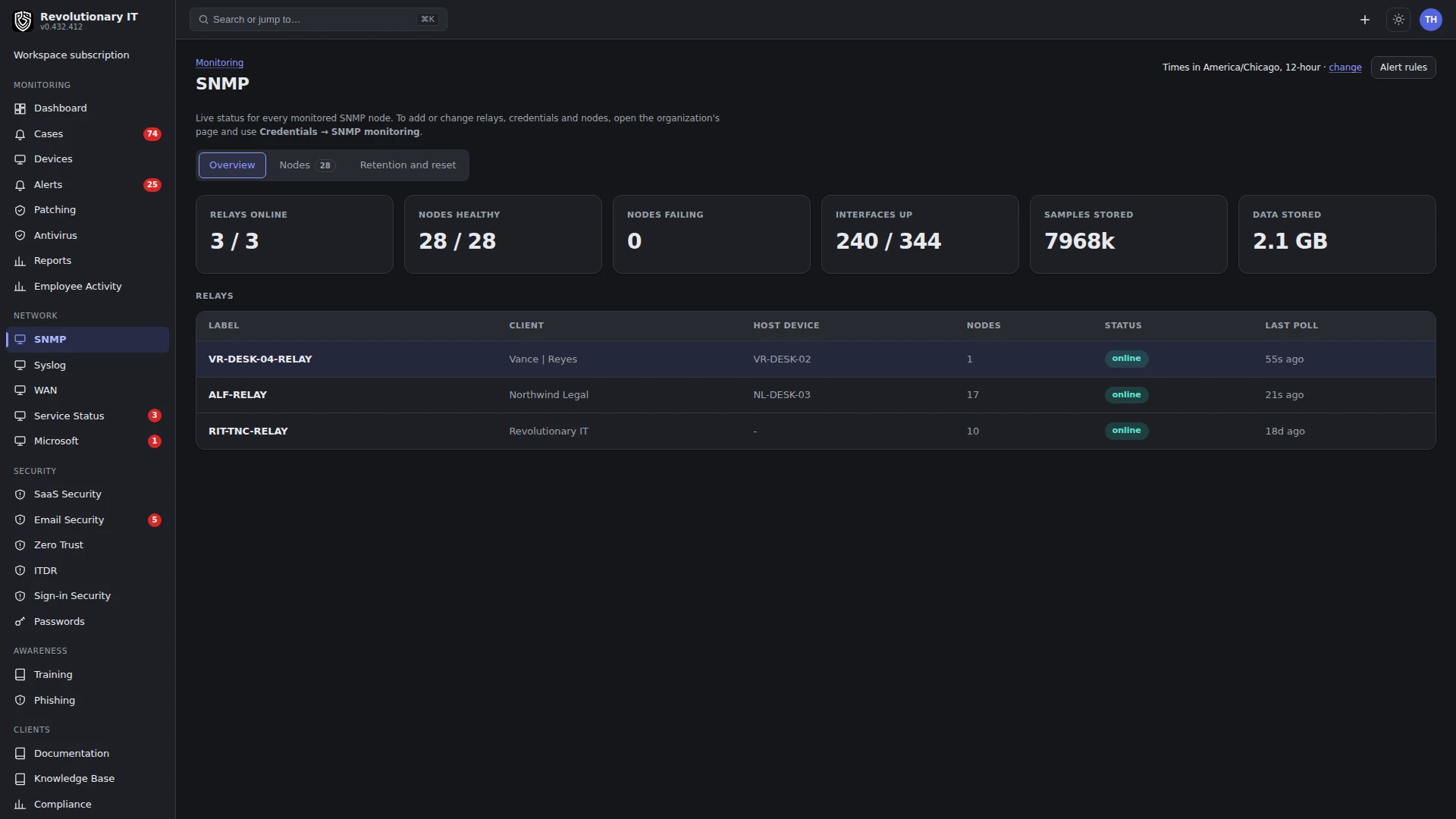
Open Network, SNMP. Start with the customer, relay health and last poll rather than a device label alone. The relay reaches the network device from the customer environment; a running service does not prove a successful SNMP response.
Open Nodes and inspect the host, relay, status and last error. Real community strings and authentication secrets do not belong in a public recording. This walkthrough creates no credential, relay or node and initiates no discovery.
Follow the written setup guide for an authorized relay and test network device. Confirm a successful poll with the expected identifiers and interface data under the correct customer. Check later samples and alert behavior; a saved node definition alone is not verified monitoring.
What it does
SNMP monitoring polls switches, routers and firewalls, access points, printers, UPSes and NAS devices at each customer site and shows per-device dashboards: interface table with speed, status, errors, throughput, port descriptions and VLANs, CPU, memory, temperature, sessions, supplies, battery and disks by device class, with trend charts over 1 hour to 7 days. It also stamps make, model and serial onto the Assets views and can export the raw samples to SFTP for long-term retention.
How it works
- Relay: one managed device at the site (any agent) is designated an SNMP relay. Its agent polls the nodes on the LAN on each node's interval and posts the samples to the workspace, so nothing on the WAN needs SNMP open.
- Credentials: v2c community or v3 (user, auth SHA-1/224/256/384/512, privacy AES-128/192/256 including the Cisco-Reeder 192C/256C variants and DES, optional context name), stored encrypted.
- Nodes: an IP, an optional friendly hostname, a port, a credential, an interval and a device class (generic, switch, router, access point, printer, UPS, NAS). The class chooses the vendor OID template polled on top of system and interface tables: Printer-MIB supplies and pages, UPS-MIB and APC battery, Synology health and disks, Cisco, Fortinet, SonicWall, HP, Juniper and MikroTik CPU and memory, UniFi, MikroTik, Aruba and Ruckus client counts, and UCD-SNMP fallbacks. Identity (ENTITY-MIB and vendor serials) is walked first on a new node, then demoted so the 600-samples-per-poll budget favors interface counters.
- Storage: each polled OID is one metric row with its latest value; the numeric series is kept in a table partitioned per day and dropped whole when it passes the retention window (default 7 days, 1 to 365). Text values (sysName, ifDescr, ifAlias) are kept only as the latest value with the time they last changed. An hourly job creates the next partitions, drops expired ones, and decimates data older than the raw window to one sample per 15 minutes per metric. Reads only touch the partitions inside their time window.
- Status: each poll classifies failures (auth failed, no access, unreachable, report PDU decoded) so the list says why a node is down instead of just "unreachable". Two failed polls in a row open an alert: Node unreachable (critical) or Node refuses credential (warning); the next good poll resolves it. What the alert does is set on Alert Rules > SNMP.
- Export: an hourly job ships every sample since a watermark as CSV or NDJSON to an SFTP server (password or key auth, encrypted), plus one change record per text value; the watermark only advances to the last row actually written.
Step by step: set up a site
- Org page > Credentials & API > SNMP monitoring > Relays: add a relay, picking one of the customer's online devices (a server or a jump box that stays on).
- Credentials: add the community or v3 user. For v3 use authPriv where the device allows it; UniFi and several vendors refuse read access at authNoPriv. If the device uses a context name (Xerox, HP Jetdirect, Ricoh), enter it.
- Nodes: add each device with its IP, hostname, port, credential, interval (60 seconds is typical) and class. Save; the first poll happens within the interval.
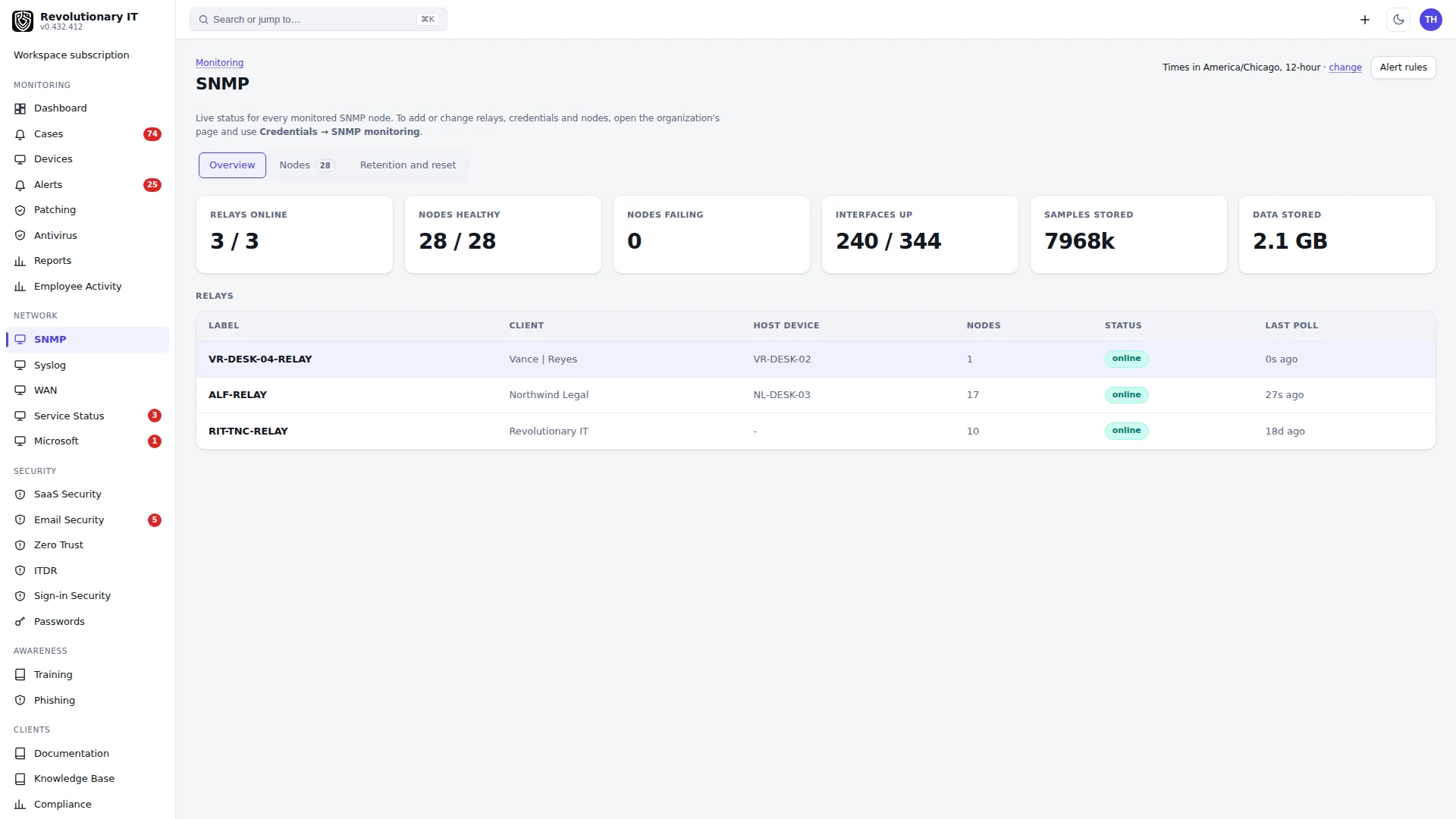
- Network > SNMP lists every node with status, interfaces up, last poll and data stored; press a node for its dashboard. The customer's portal shows the same dashboards read-only under Devices > Network devices.
Step by step: retention and storage
- Network > SNMP > Sample retention: set the days. Older day partitions are dropped once an hour.
- The page shows samples stored and on-disk size; each node shows its share. Clear all SNMP data (or a node's Clear) removes the series and identity rows; they rebuild from the next poll.
Step by step: SFTP export
- Administration > Apps > SNMP Export: host, port, username, password or private key, remote directory, format, interval in hours.
- Test connection, then Run export now. Status shows the last run, row count and any error. Clearing SNMP data resets the watermark.
Scope
This is SNMP polling of explicitly configured nodes. It is not automatic network discovery, a topology map, an SNMP trap receiver or a MIB-import tool. Keep SNMP access on the site network and grant the polling credential only the read access it needs.
Starter alert rules for NAS devices
Administration > General > Alert Rules > New SNMP rule offers two starter rules for Synology NAS devices polled by SNMP:
- NAS firmware update available (warning): DSM reports a newer version than the one installed.
- NAS unit status failed (critical): the system status reports failed.
Each starter only fills the form. Nothing is saved until you choose Add rule, and the alert clears when the metric reports inside the rule again.
Verification
- A new node shows status ok and an interface count after one or two polls.
- The node dashboard's throughput chart draws once two polls have landed.
- Check that the displayed stored-data window follows the retention setting; keep an external archive when longer retention is required.
Troubleshooting
- Auth failed: wrong passphrase or user on the device, or the device requires authPriv. No access: the user's view excludes the requested OIDs. Report PDU errors name the usmStats counter, which pins the mismatch (unknown engine, wrong digest, unknown context).
- Empty CPU or memory on a switch: the device exposes neither HOST-RESOURCES nor a vendor tree the template knows (UDM-Pro exposes only UCD-SNMP, which is covered).
- Interfaces table cut off on a 48-port switch: the per-poll sample cap; identity and aliases are walked first only until stamped, then counters win.
- Storage keeps growing: check the configured retention and allow for the hourly maintenance interval; if growth continues, report the node count and retention window to support.