Antivirus
Video guide: Inspect antivirus reporting without assuming current protection
Recorded October 22, 2026 in the fictional Summit Managed IT staging workspace, App 0.432.1. The deployed demo can differ from the current product; use the written guide for current behavior. No fresh AV report, scan, signature update, benign detection acceptance or containment test.
Full narration captions are included in the video. Open video full screen · Download subtitles · Download transcript
Video transcript
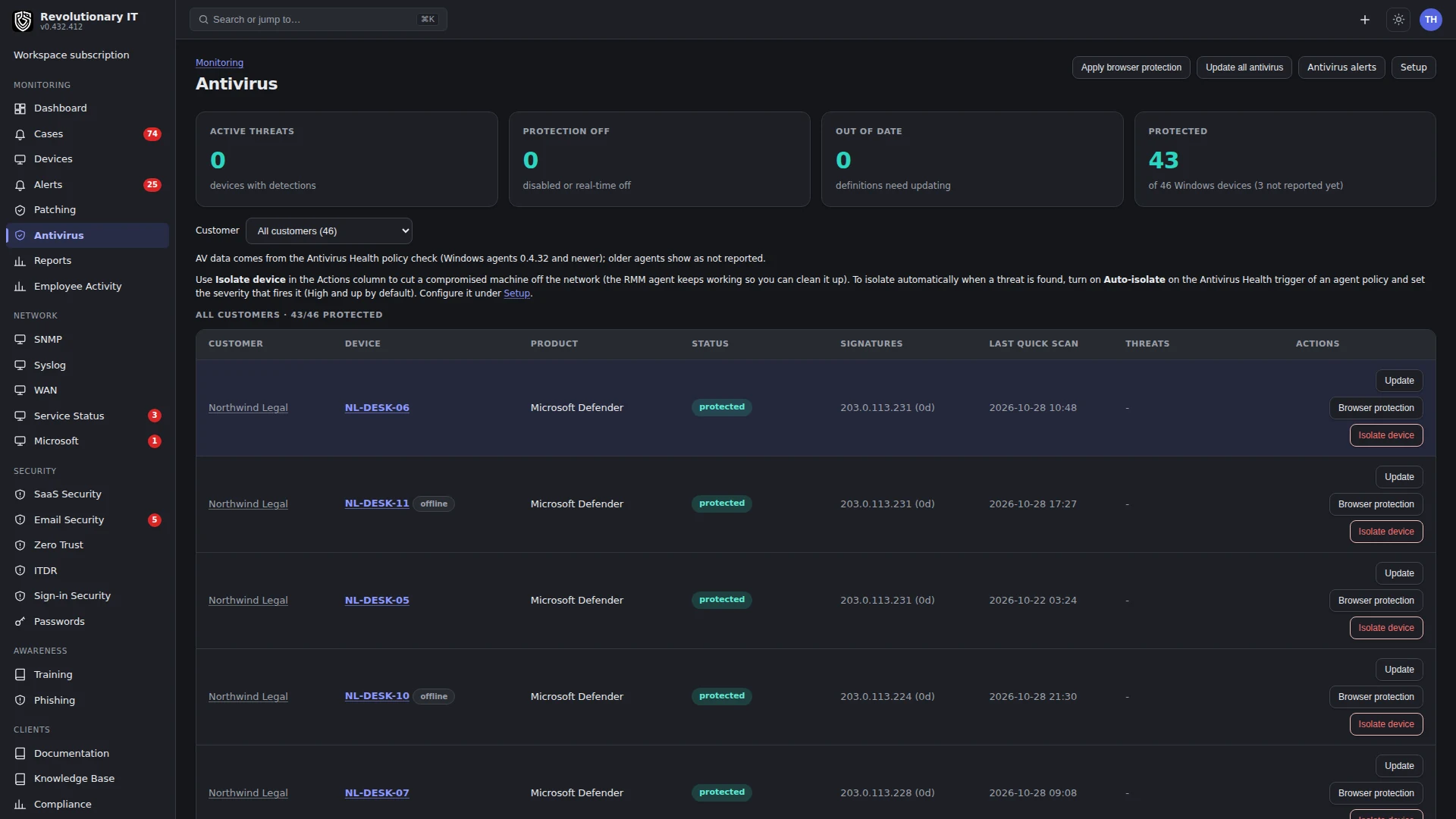
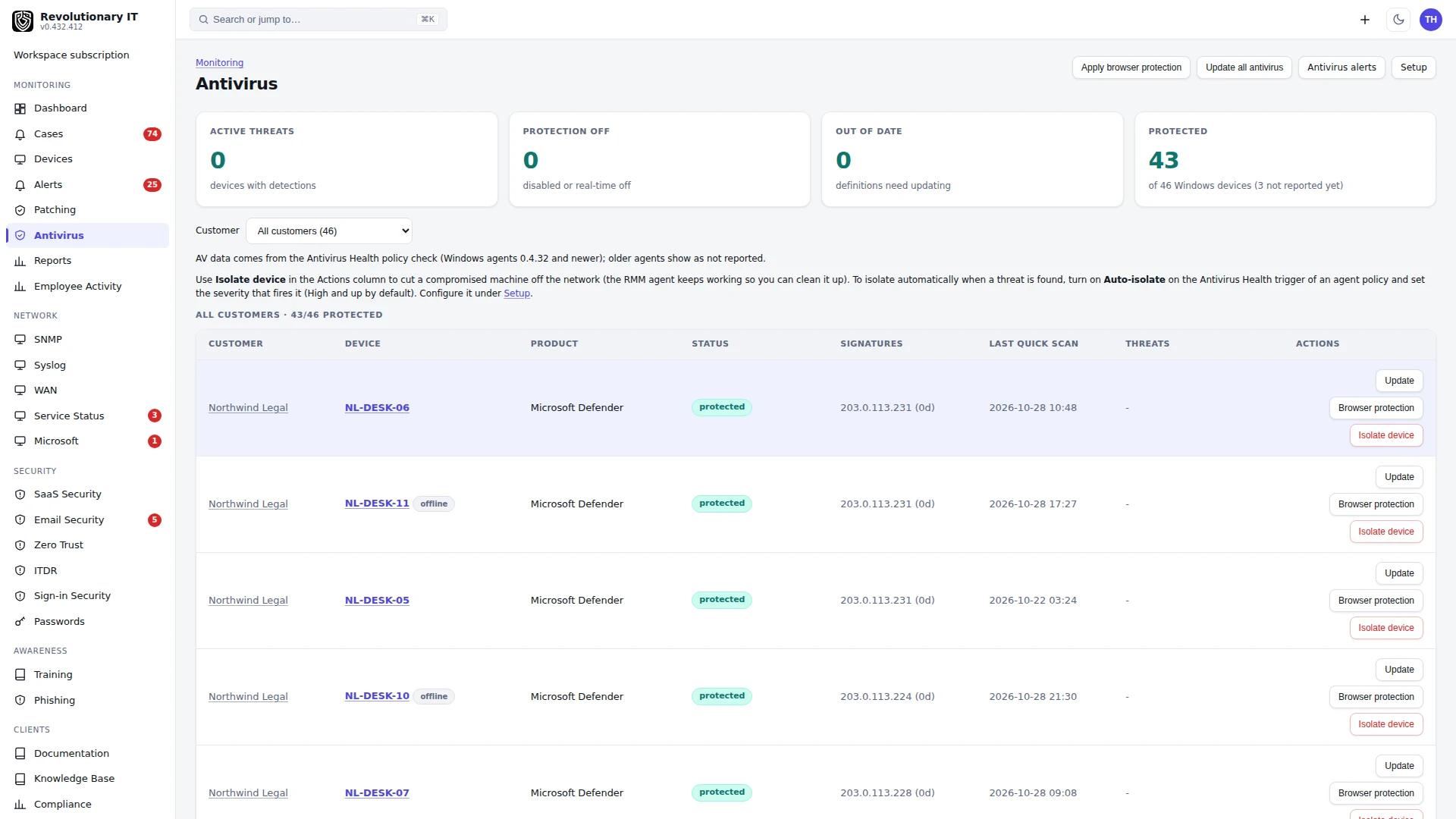
Open Monitoring, Antivirus. Review provider health, reported protection state, definition age and device freshness together. This demo contains offline endpoints, so an old value is not proof of current protection or the absence of an active threat.
Open Antivirus Alerts to locate related findings. Antivirus monitoring, vendor EDR isolation and RMM firewall isolation are distinct workflows. We do not request a scan, update definitions or isolate a device during this demonstration.
Use the guide for setup and platform-specific support. Verify a current endpoint report and the actual outcome of any separately authorized test. Do not introduce malware or isolate an operational device merely to check connectivity. Reconcile the command, later health sample and recovery evidence.
What it does
Monitoring > Antivirus is the fleet view of endpoint protection: which product is active on each device, whether real-time protection and tamper protection are on, how old the signatures are, when the last quick and full scans ran, and any active threats. It can update definitions fleet-wide, enable protection, isolate a device, and auto-isolate on a detection.
How it works
- The agent reads Windows Security Center for every registered product, promotes the active third-party product to the primary reading (Malwarebytes, Trend Micro and others are enriched with their own signature and scan data), and reads Defender's threat list. macOS and Linux report what they can. The Antivirus trigger in the policy asks the agent to collect it.
- The Antivirus Health trigger (Policies and automations) alerts on stale signatures, real-time protection off and active threats, with the option to auto-isolate the device when a threat at or above a chosen Defender severity appears.
- Definition updates use product-specific signed commands on supported Windows devices: Defender uses
Update-MpSignature; Malwarebytes uses its service restart/update-check path. The fleet button selects devices with stale definitions and an available update command. Other products, including Trend Micro, have no update command here and are skipped. A queued command does not establish that the security product updated successfully. - Enable antivirus queues a signed command that turns Defender's real-time protection back on where a third-party product is not the active one.
Step by step: turn it on
- Confirm the platform policy has the Antivirus Health trigger on (default on) and set Signatures older than N days, the critical flags, and Auto-isolate if wanted (Policies and automations).
- Monitoring > Antivirus fills within a check-in or two.
Day to day
- Update out of date (N): this button on Monitoring > Antivirus targets only devices with stale signatures, honoring the organization filter. Update all antivirus targets every updatable device.
- Enable antivirus: on a device's Vulnerabilities tab when real-time protection is off.
- Isolate or Release: per device in the Actions column of the dashboard or on its Vulnerabilities tab. Isolation changes the host firewall with exceptions intended to preserve management access, DNS and DHCP. Existing connections and platform-specific rules can affect what remains reachable. Isolation is available for supported Windows and Linux devices, not macOS. Verify management access and the command result after isolating; do not assume all traffic is blocked or that a successful queue request proves isolation.
- Threat list: the device's Vulnerabilities tab lists active threats with severity; the Alerts page carries the active-threat alert.
Verification
- Check the reported product, real-time state and sample age on a test device. Signature versions, dates and scan times depend on the OS, security product, permissions and agent version; an absent field is not a healthy result.
- If your security policy permits a controlled test detection, check both the endpoint product result and the later active-threat alert. Do this on an authorized test device with its security owner.
Troubleshooting
- Product shows Windows Defender but the customer runs something else: the third-party product is not registered with Security Center or the agent predates third-party enrichment; update the fleet.
- Definitions still stale after Update definitions: check the command's output on the device's Activities tab; the machine may be blocked from the update source.